Fell & Sell Wiki · Fell & Sell Demo
Shop pricing and demand signals
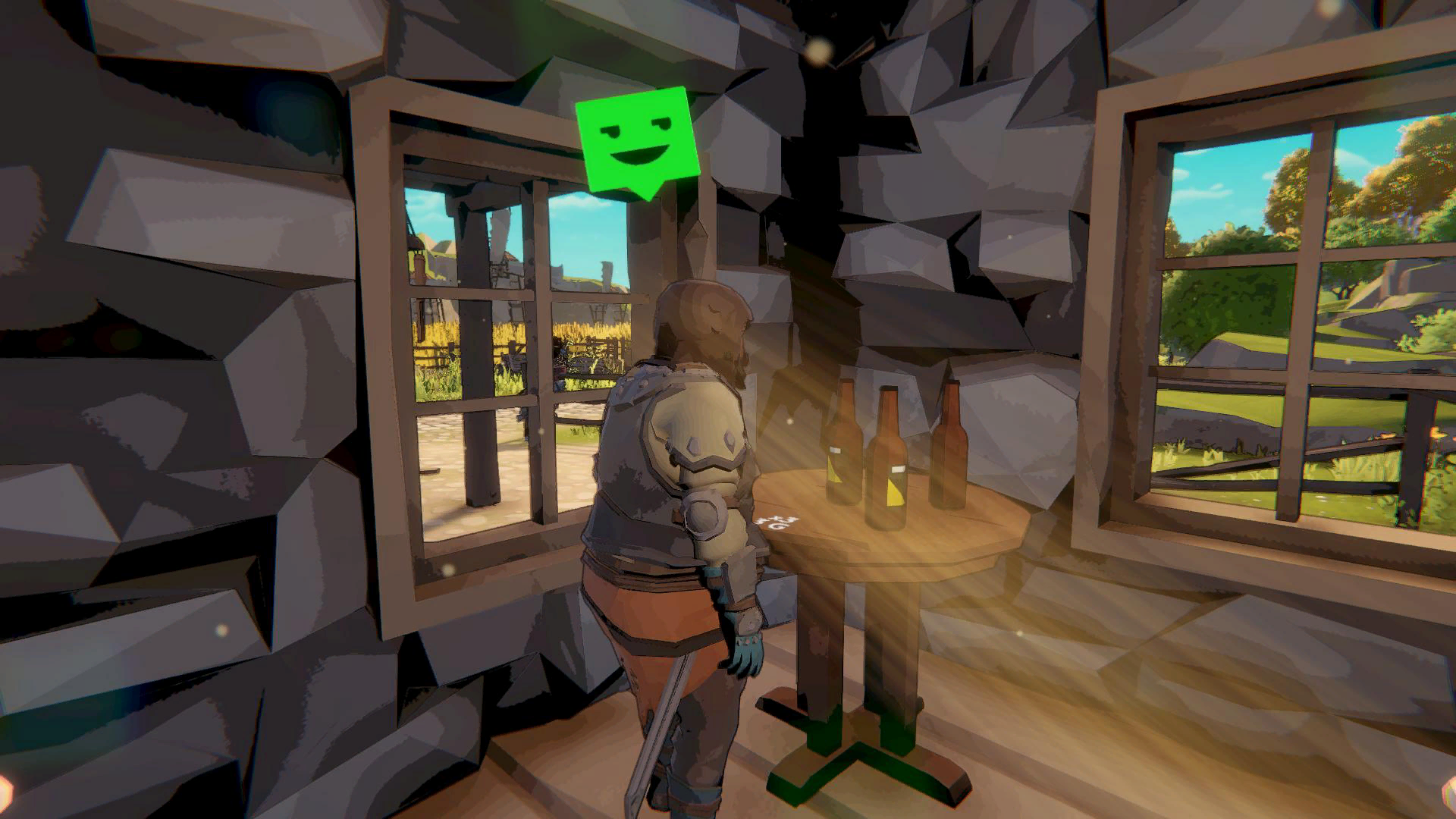
Start from the demand arrow, then watch customer reactions: red means too expensive, yellow is acceptable, and green indicates room to raise the price.
01 / Prerequisites
Check before you start
- ✓Place at least one stocked sales display.
- ✓Let customers react to the current price.
02 / Decision path
Follow the route
- 01
Read demand first
Green demand supports a higher-than-average price, yellow suggests an average price, and red demand calls for a lower price.
- 02
Watch the face
An angry red reaction means the price is too high. Yellow is acceptable. A very happy green reaction suggests the price may be lower than necessary.
- 03
Account for Prestige
The tutorial states that shop Prestige and furniture bonuses change the price customers will accept.
- 04
Check the records
Open the purchase history with Tab to compare sales, rejected customers, Prestige, bonuses, and demand before changing the next price.
03 / Limits and mistakes
Watch for these mistakes
Demand can change, so yesterday’s price is not a permanent rule.
A green reaction is a signal to test—not proof of one universal optimal price.
Furniture changes can invalidate an old price check.
04 / Continue
Open the prayer effects used here