Fell & Sell Wiki · Fell & Sell Demo
Forest gathering and events
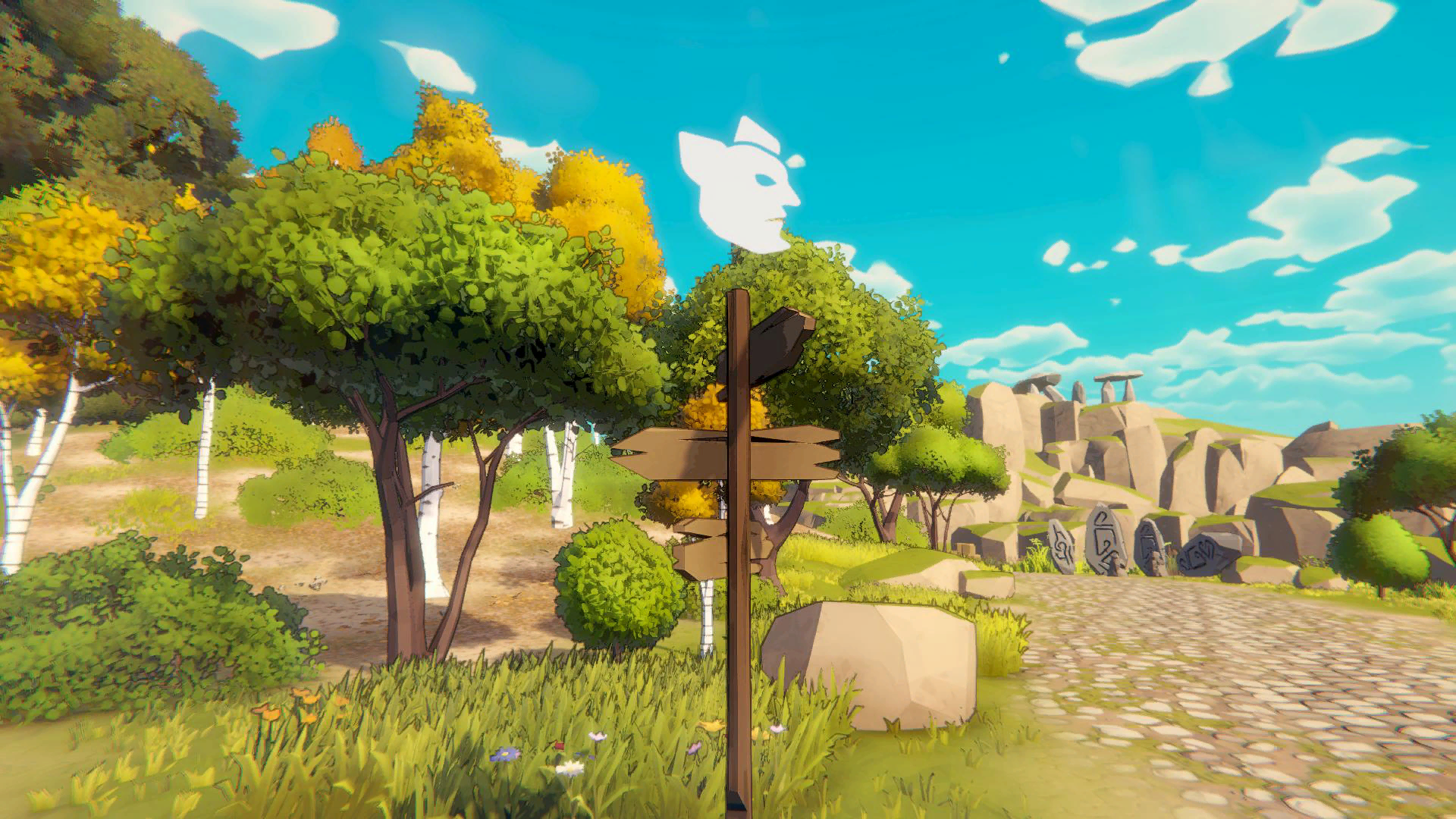
Use the forest near the shop for Wood, Stone, Leather, and Mushrooms, then check the crossroads signpost because changing events refresh resources and danger.
01 / Prerequisites
Check before you start
- ✓Leave the shop area through the nearby forest route.
- ✓Carry a weapon in case goblins appear.
02 / Decision path
Follow the route
- 01
Gather the four named basics
The forest tutorial specifically names Wood, Stone, Leather, and Mushrooms as resources available outside the dungeon.
- 02
Use points of interest
Scan the route for special points of interest instead of treating the forest as empty travel space.
- 03
Check the crossroads
The signpost reports the current event. Event changes alter both available resources and the level of danger.
- 04
Return after regrowth
When an event changes, the tutorial says the forest regrows and fresh loot can be harvested.
03 / Limits and mistakes
Watch for these mistakes
The forest is calmer than a dungeon, not enemy-free.
Event changes can make a familiar route more dangerous.
Do not assume a resource remains available under every event.
04 / Continue
Open the prayer effects used here